Your Own Documents
Write and format your own pages — with tables, images, and math — then annotate them and share them like any web page.
Creating a document
Documents are created in the Annotation Manager. In the sidebar's FOLDERS header you'll find New document — and right-clicking any folder lets you create a document inside it. A rich editor opens in its own tab.
The editor
The editor is a full rich-text editor. Besides the basics (bold, italic, underline, strikethrough, inline code) it supports:
- Headings (H1/H2), text alignment, bullet and numbered lists, quotes, and code blocks.
- Color — text color and background highlight palettes.
- Tables — insert with a size picker; merge and manage cells; drag to resize rows.
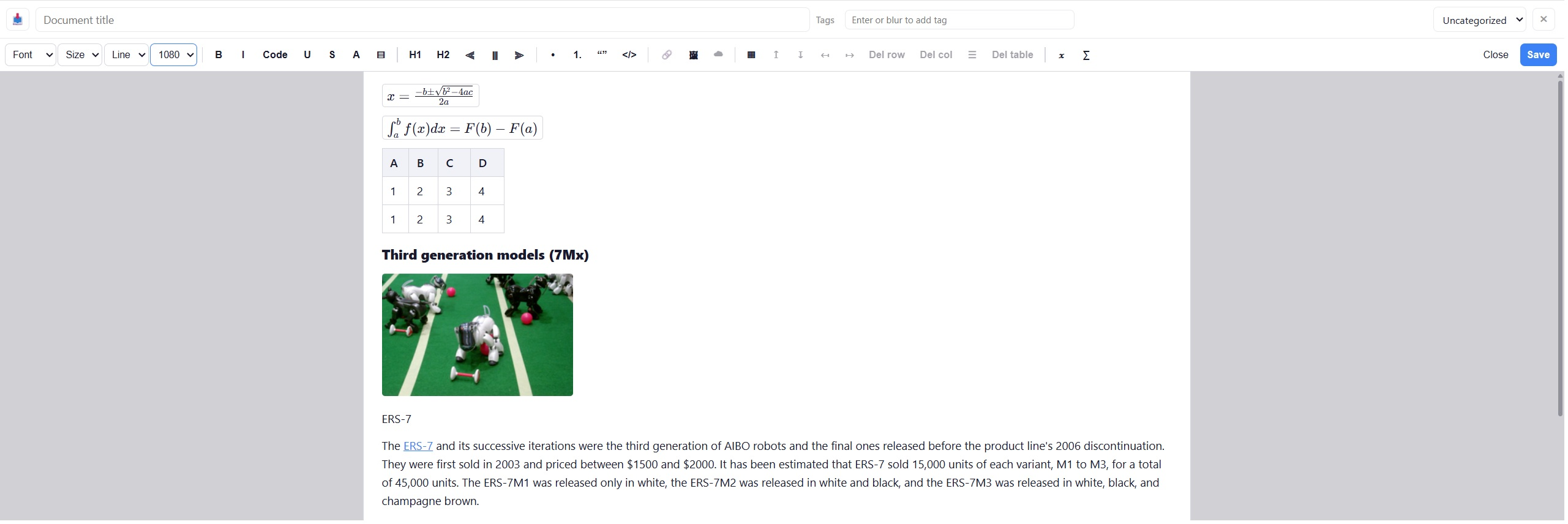
- Images — paste or drag them in, insert by URL, or embed a web image into the document ("save image to document").
- Math — inline and display formulas via KaTeX, with a live preview; double-click a formula to re-edit it.
- Typography — font family, line height, and page width for comfortable reading.
- Import — bring in PDF, Word (.docx), Excel, HTML, or Markdown content.
Ctrl+S saves at any time; closing with unsaved changes asks for confirmation. Documents without a title are saved as "Untitled document" — rename them any time.
Documents are annotatable pages
Every document lives on its own web page. Open it and the Sagitnote control panel is there: highlight sentences, draw arrows, add notes — exactly like on any web page. Documents (and snapshots of them) are also the content you can share with others via links.
Sizes and limits
Plans limit how many documents you can create per day and how large each document may be — the editor warns you before saving when a document is too large. Imported read-only documents cannot be edited; create a new document if you need changes.